By Arjun Mehta
Clean code is a means to an end, not the end itself. The end is software that's maintainable, understandable, and solves the problem. Code that's over-abstracted and over-engineered is harder to understand than code that's "dirty" but clear.
I've read code that was "clean" by every guideline and had no idea what it did. I've read code that was "dirty" by the textbook and understood it immediately. The difference wasn't cleanliness. It was clarity.
Clean Code in 60 Seconds
Clean code is readable (clear variable and function names), maintainable (changes don't cascade through the system), and follows a consistent style. The core principles: single responsibility (one reason to change), meaningful names (variable names should explain intent, not just what they are), small functions (under 30 lines usually), and pure functions (no side effects unless necessary). But these are guidelines, not laws.
Why Clean Code Principles Matter Now
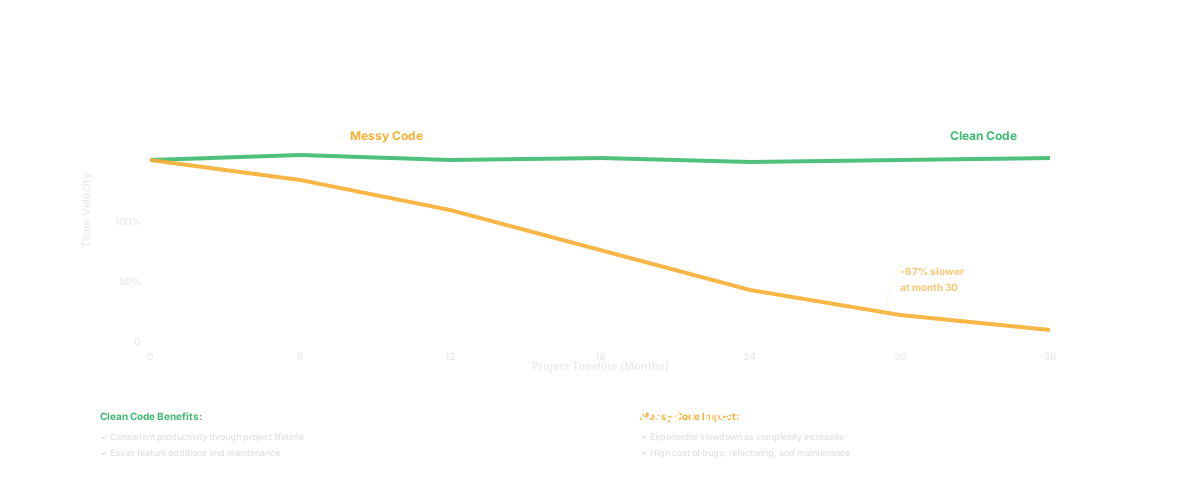
First: code is read more often than it's written. A function written once is read dozens of times. Optimization for readability wins long-term.
Second: understanding code is the bottleneck in maintenance. A developer inherits a messy system and spends 3 months just understanding it before they can add a feature. A clean system can be understood and modified in days.
Third: clean code is cheaper. Fewer bugs because the code is understandable. Faster changes because you can predict the impact. Faster onboarding because new developers can read the code.
Genuine Clean Code Principles
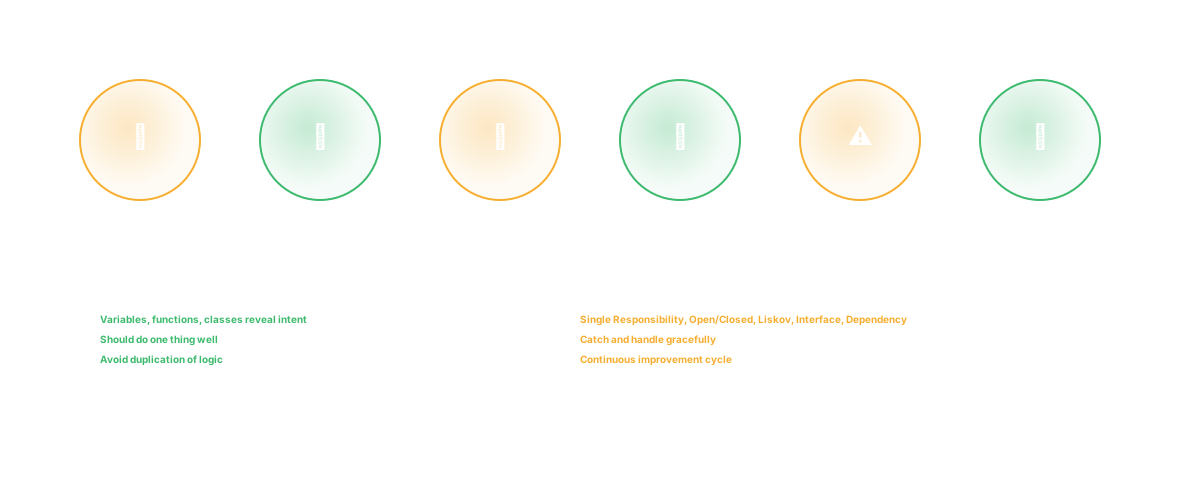
Meaningful names: user_email_is_valid is better than check_user. elapsed_seconds is better than tmp. Names should reveal intent. If you need a comment to explain a variable, the name is wrong.
Single responsibility: A function should have one reason to change. If you're changing a function because "the database query changed" and also "the output format changed," it violates single responsibility. Split it.
Small functions: Long functions accumulate complexity. Under 30 lines is a useful heuristic. If a function is longer, it's usually doing multiple things.
No side effects in pure functions: A function named calculate_total should return a number. It shouldn't also send an email or write to a database. If it does, the name is wrong and callers will be surprised.
Reduce nesting: Code nested 4 levels deep is hard to understand. Extracting a function or using early returns reduces nesting.
Consistent style: Within a codebase, code should look similar. Consistent indentation, naming conventions, structure. Reduces cognitive load.
Where Clean Code Goes Wrong
Premature abstraction. You see a pattern (even a tiny one) and create an abstraction before you've seen it a third time. This adds complexity without benefit. Three uses of a pattern: extract it. One or two: leave it.
Over-engineering. Building a system with 15 layers of abstraction to solve a problem that needs 3 layers. Each layer adds cognitive load. Some of the most maintainable systems I've seen were simple and direct.
Enforcing style without judgment. A team adopts "no function over 30 lines" as a law. So they split a logical function into three functions that are harder to understand. They gained cleanliness and lost clarity.
Treating clean code as a virtue, not a tool. The goal is maintainable software. Sometimes that means less clean code. Performance-critical code sometimes looks messy because it needs to be fast. That's okay.
How to Develop Judgment Rather Than Rules
Read a lot of code. Good code and bad code. See what works at different scales.
Code review intentionally. When reviewing, ask "is this clearer or more confusing?" not "does this follow the rules?"
Maintain your own code long enough to feel pain. If you write something slick and don't touch it for 6 months, then have to modify it, you'll learn what matters in your own code.
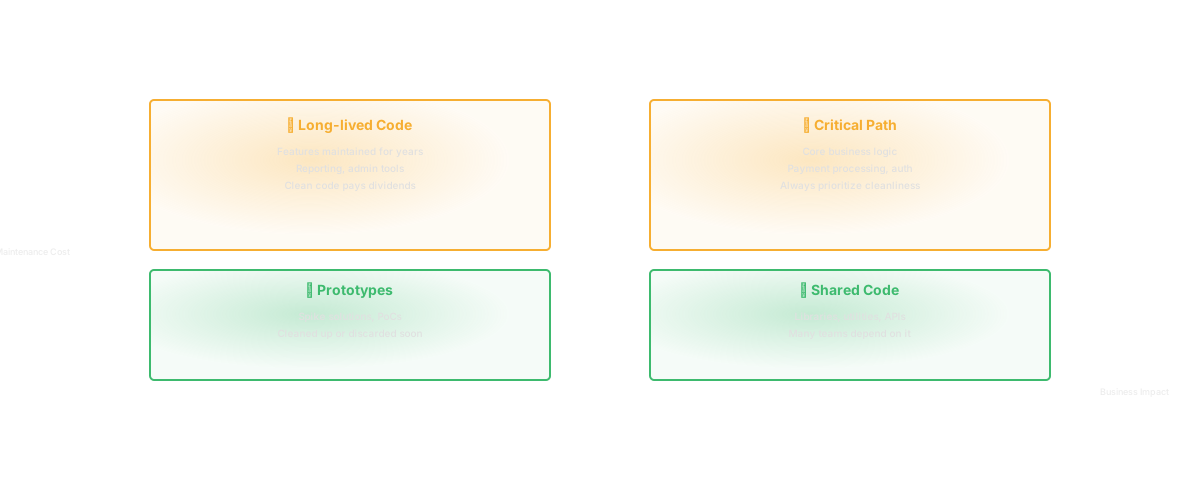
Recognize that "clean" varies by context. Code for a startup MVP can be messier than enterprise banking code, because the requirements change fast and rewriting is expected.
Common Code Review Practices That Improve Quality
Require that code reviews not just approve but explain. "Looks good" is useless. "This is clearer than the old version because..." is useful.
Push back on reviews that enforce style without reason. If a reviewer says "this variable name is too long," ask why. If it's because "my linter doesn't like it," that's not a reason. If it's because "it obscures the actual logic," that's a reason.
Have junior and senior developers review each other. Juniors learn what clean code looks like. Seniors remember why over-engineering is a trap.
Technical Debt That Matters vs. Debt That Doesn't
Technical debt is "do it quick now, fix it right later." Debt matters when it's a maintenance burden. A hacked-together authentication system that you'll refactor in 3 months: matters. A variable named x in a utility function: doesn't.
Track debt that matters. Document it. Plan to pay it down. Debt that doesn't matter (minor style issues, suboptimal algorithms in non-critical paths) should be ignored, not added to a backlog.
How Glue Helps
Glue surfaces code complexity. It shows which functions are called by many other functions (high coupling), which functions are modified frequently (high churn), and which functions have high cyclomatic complexity (many branches). This highlights where clean code principles matter most - the high-churn, high-complexity code that's a maintenance burden.
Use this signal to focus refactoring effort on the code that has the highest impact.
Frequently Asked Questions
Q: Should we refactor all our old code to be cleaner?
A: No. Refactor code that you're actively maintaining and that's causing problems. "Code that's not broken" refactoring is waste. Code that's broken and hard to fix is worth refactoring.
Q: What about performance - does clean code matter?
A: Usually. Clean, simple code often performs better than over-engineered code. In rare cases, you need to optimize for speed, and that might mean less clean code. But measure first - most performance problems aren't in the obviously slow code.
Q: How do we enforce clean code without becoming dogmatic?
A: Code review that asks "why" not "what." A linter that catches actual problems (unused variables) not style (line length). Culture that values clarity over rules.
Related Reading
- What Is Technical Debt Tracking?
- What Is Technical Debt Prioritization?
- Technical Debt Patterns: The 7 Types Costing You the Most
- Technical Debt Statistics 2026: The Real Cost of Maintenance
- The CTO's Guide to Product Visibility
Further Resources